Blog Post Modules
There are two ways in which you can create your blog posts in your site:
- Using the WordPress editor
- Using the Divi Builder to create posts and pages.
We explain more about your options in the class on blogging.
There are number of specific blogging modules that you can use if you use the Divi builder to create your blog posts, and you can learn more about them below.
Library item: "Dawn Post Title"
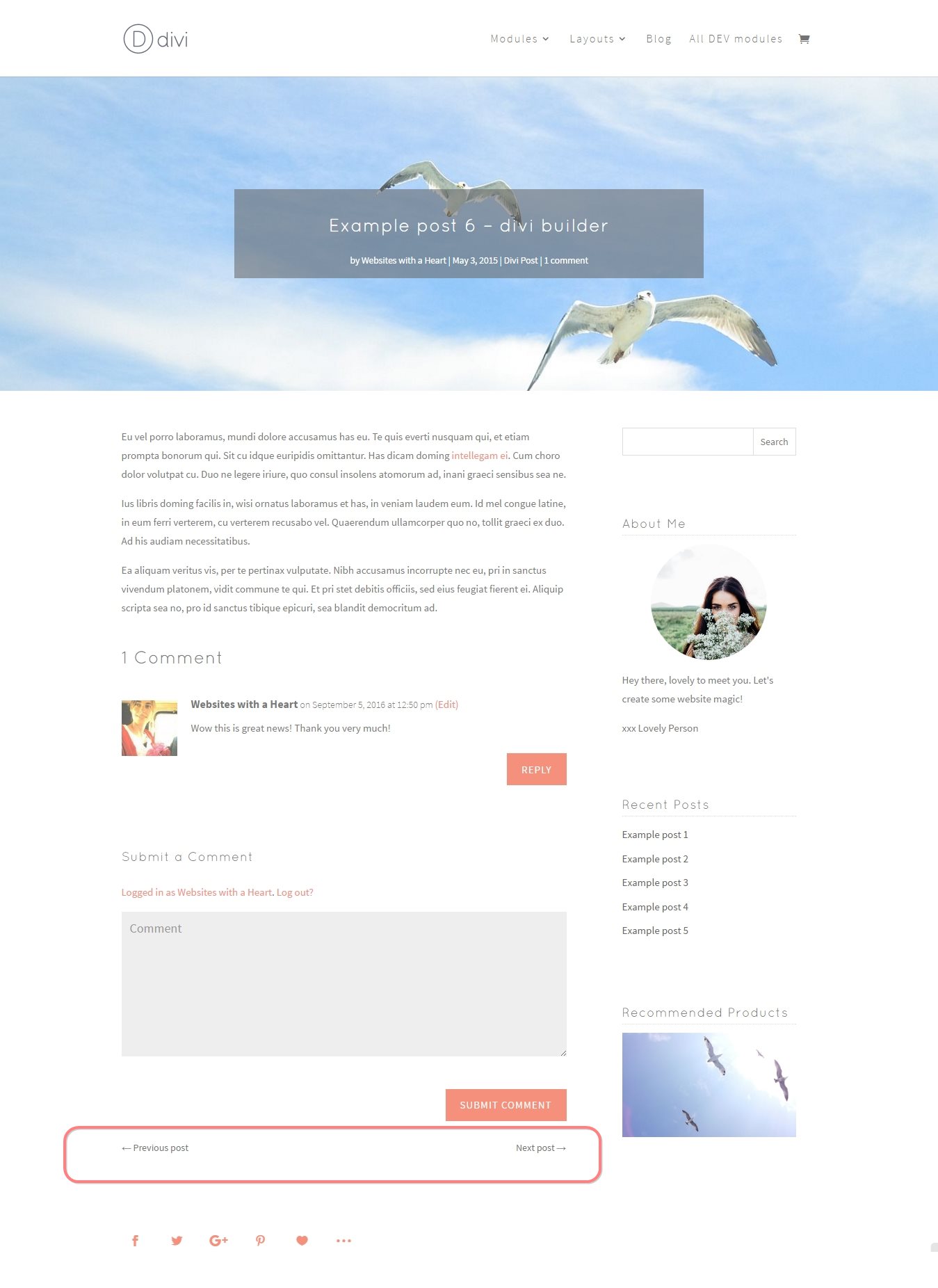
The “Dawn Post Title Module” is used rarely when creating blog posts with Divi, see here an example of where it is used.
The Post Title module can also create a full-width image with a post title overlay at the top of your posts. The title and meta data are then shown in combination with the featured image of the post. We don’t find this option particularly useful, but if you’re interested, please insert the standard Post title module , offered by Divi, and explore the in-module help provided by Divi, to see what else you can do with this module.
Below you see first an example of the Dawn Post Title Module that we have saved to the library for you and that we use in our Divi Blog post templates.
Below that is an example of other possibilities with this module, by making other settings.
[divi_help]


Library item: "Dawn Comments"
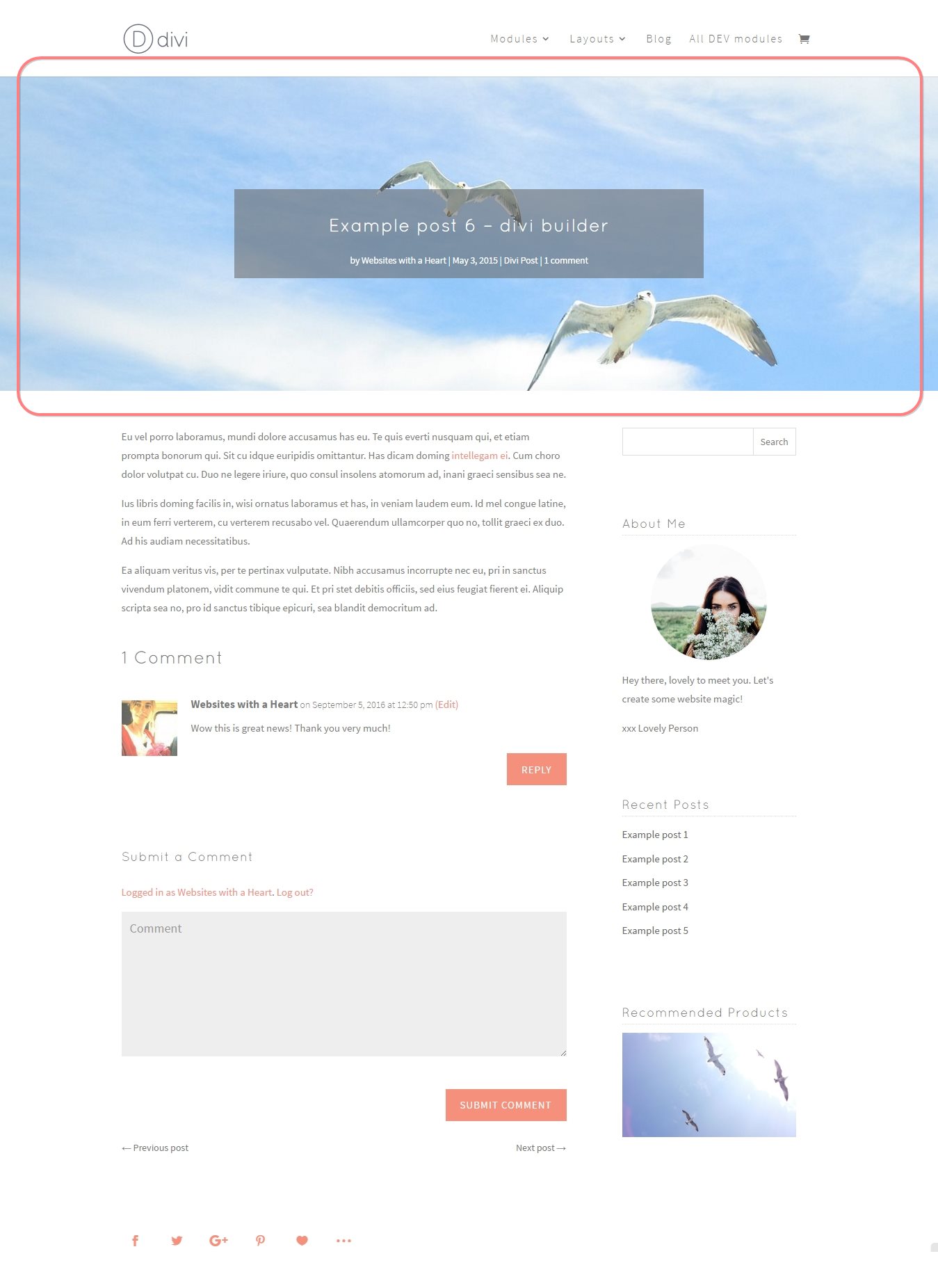
The “Dawn Comments” module can be inserted as a module from the module library.
It displays the comments on the post (this is taken care of automatically in a standard WordPress blog post, but in certain situations, when creating blog posts with the Divi builder you need to place a module for showing them yourself).
There are several settings on the General Tab of the module, such as whether you’d like to show an Avatar (the small image), a reply button, the comment count.
[divi_help]
Library item: "Dawn Post Navigation"
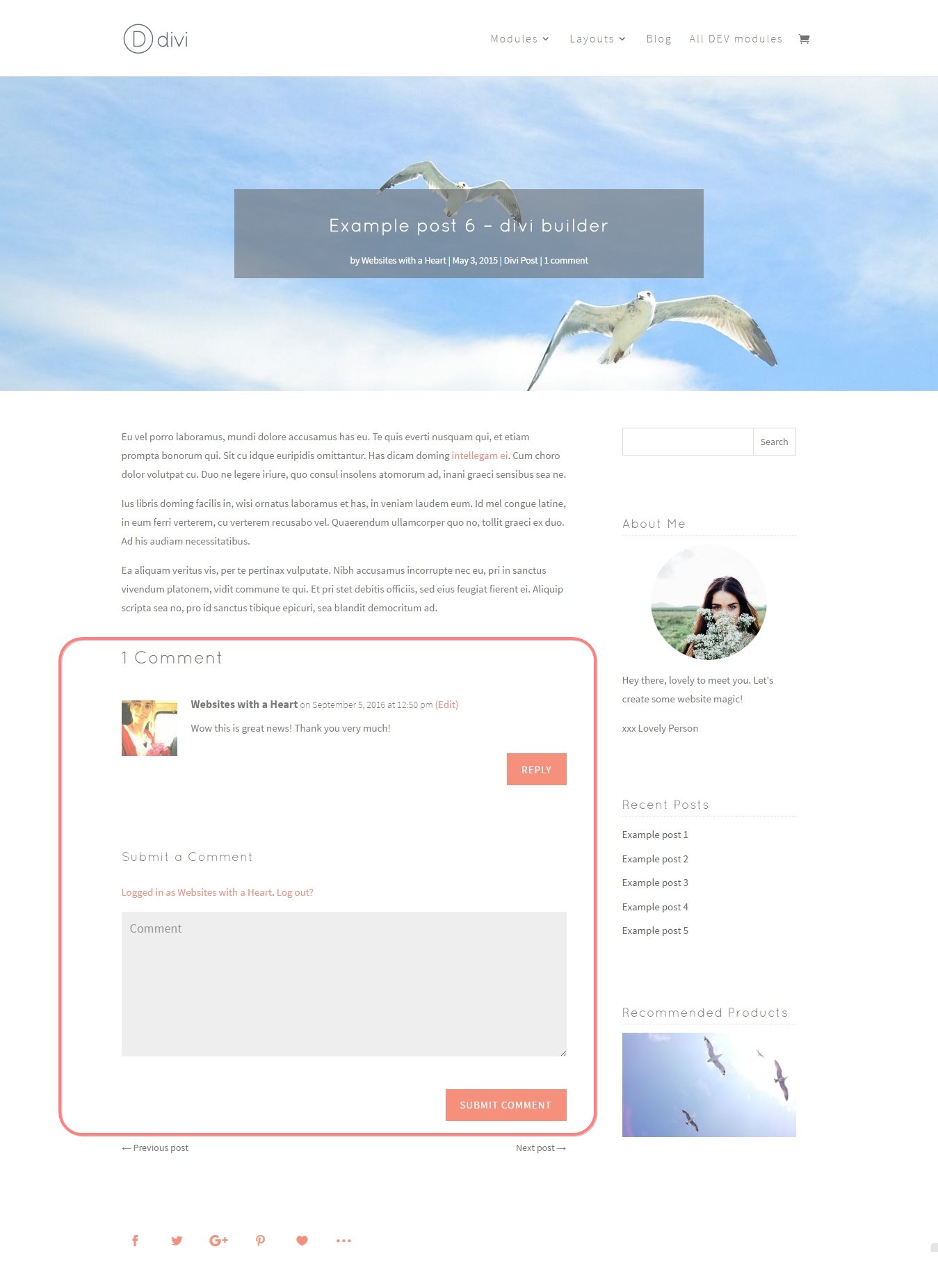
The “Dawn Post Navigation” module can be inserted as a module from the module library.
This module is used when creating blog posts with the Divi Builder, it can be placed near the bottom of your blog post to allow your readers to navigate between older and newer posts.
There are a few settings on the General Tab of the module, about what category of post to link to.
[divi_help]